
Everything ERA Player can do
One app for your remote: fast, calm and complete. This is what it does with your own M3U or Xtream Codes playlist. What you can watch comes from your provider.
Live TV
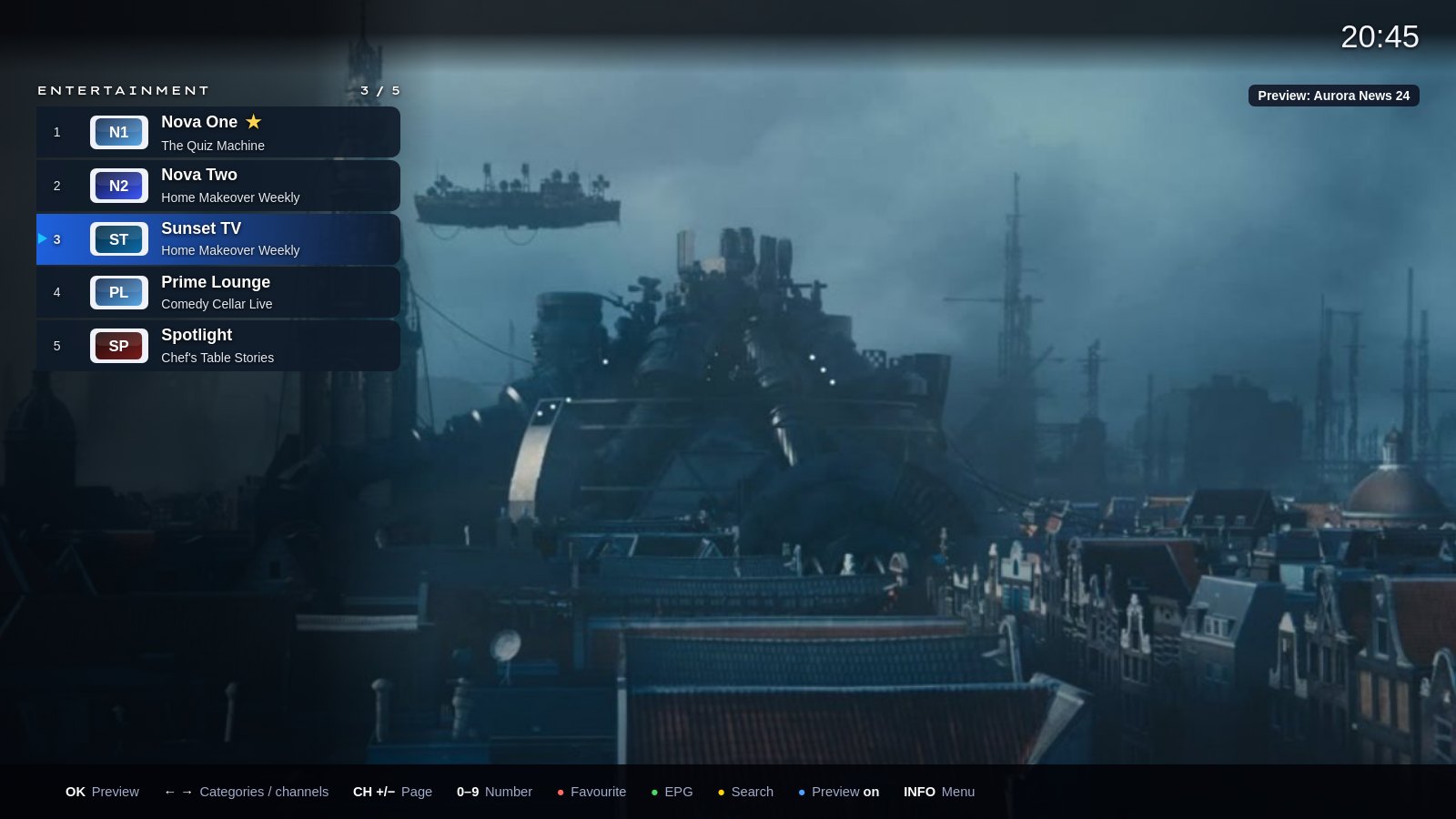
Preview while you browse
Browse categories and channels while the picture keeps playing. OK goes full screen.
Favourites in your order
Keep favourites at the top and move channels and categories into the order you want.
Rename and hide
Give categories your own name and hide channels you never watch.
Zap like on a TV
Use the channel keys or type a channel number. Recently watched channels are on the home screen.
Pause live TV
Pause a programme, carry on where you stopped or go back to live. Uses your provider’s archive; without one, Android TV, Google TV and Fire TV keep up to an hour on the device.
Start from the beginning
Missed the start? On channels with an archive, play the programme that is on now from its beginning.
Backup streams
Does a channel fail? The app switches to the same channel in another quality, and a frozen stream restarts by itself.
Recording
On Android TV, Google TV and Fire TV.
Record from the EPG
Choose a programme in the EPG and press Red, or record right away from the channel menu.
On the device, USB or NAS
Save recordings on the device, a USB stick or a shared folder on your NAS.
Watch while it records
Recordings have their own category in Live TV. Play, stop or delete them, also while they are still recording.
Clear messages
The app tells you when a recording starts, finishes or fails, and why.
EPG and catch-up
They depend on your playlist and provider support. Picture quality and supported formats also depend on your device and source.
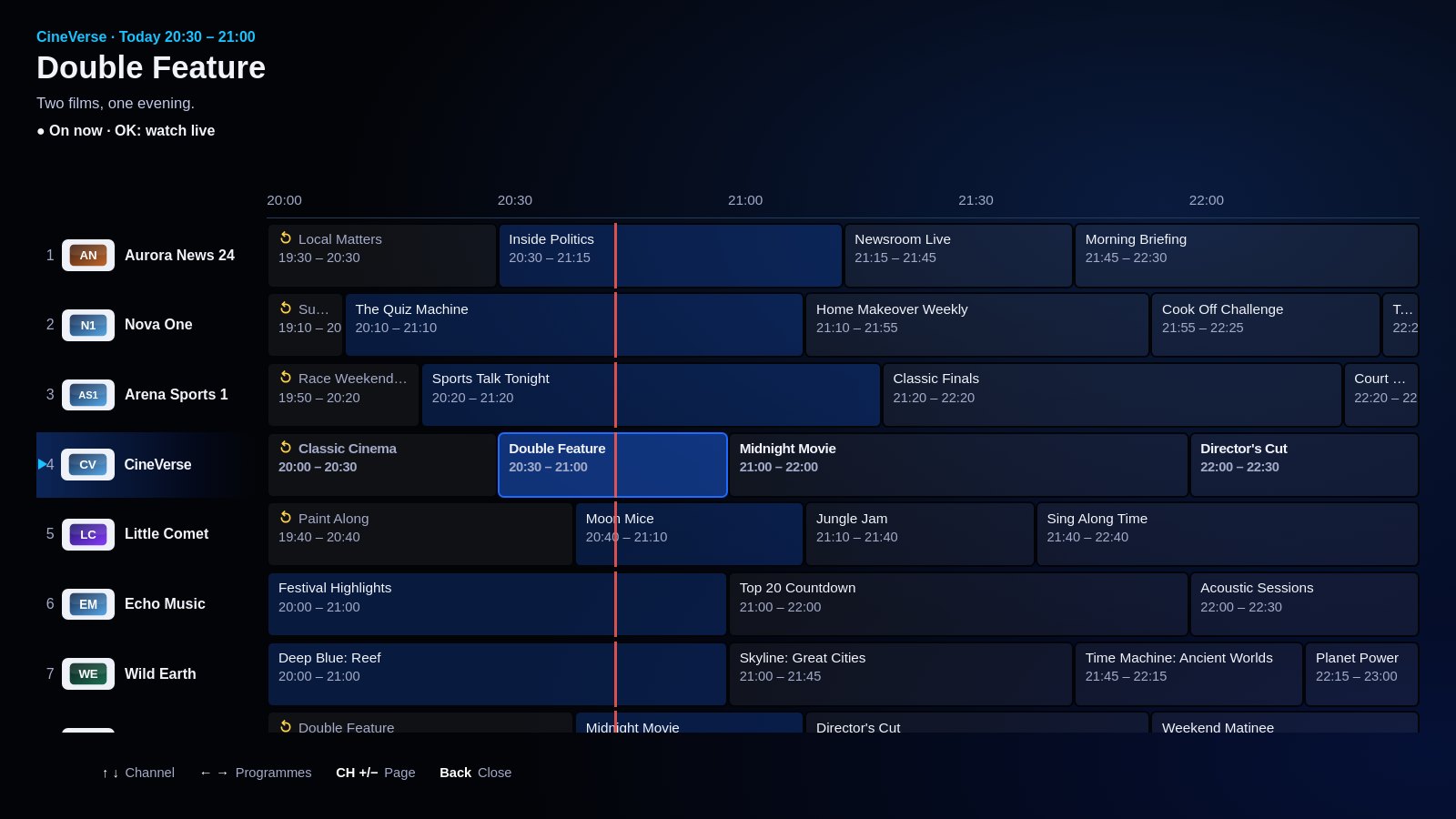
Now and next
A clear timeline of what is on now and next, channel by channel.
Reminders
Set a reminder and the app tells you when the programme starts. One press and you are watching.
Catch-up
Watch programmes from the past days when your provider keeps an archive.
Larger text
A larger text size makes the EPG and the whole app easier to read from the sofa.
Movies and series
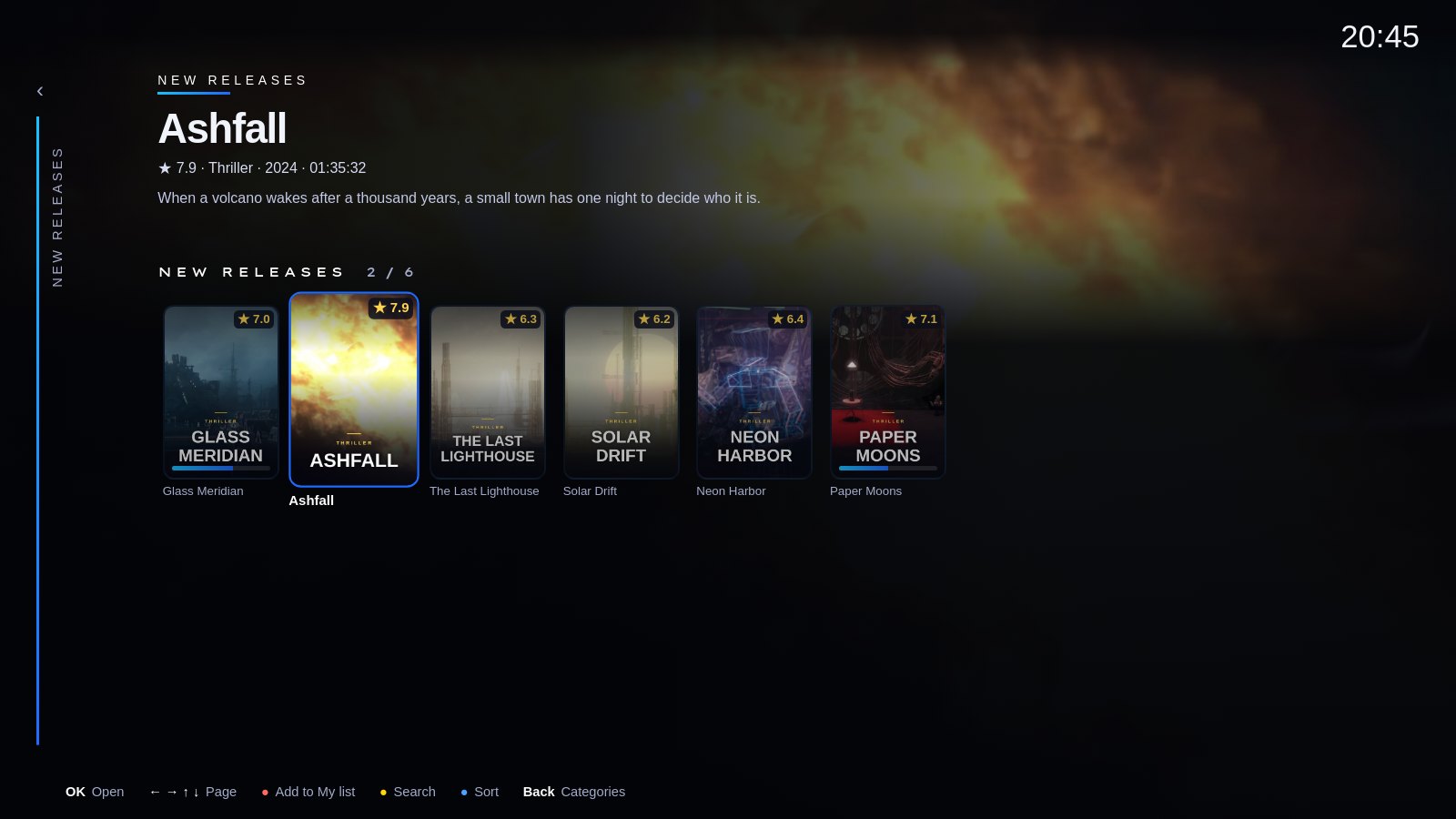
Posters and details
Posters, backdrops, plot, year, genre and rating, arranged by category.
Continue watching
Pick up a film or episode on the home screen and it plays on at once. Start over is in the title menu.
Next episode by itself
At the end of an episode a card shows the next one with a countdown. Every episode has a picture and a plot.
My list
Save films and series to watch later.
Search with your phone
Search across all categories. Scan the QR code and type on your phone instead of with the remote.
While you watch
Subtitles and audio
Choose the audio language and subtitles, also on live TV, and set the subtitle size.
Picture and brightness
Change the picture format and brightness while you watch.
Sleep timer
The app stops by itself after the time you choose.
See what you watch
The banner shows the quality, such as FHD or 5.1. 4K and 8K need a device and a stream that support them.
Your look
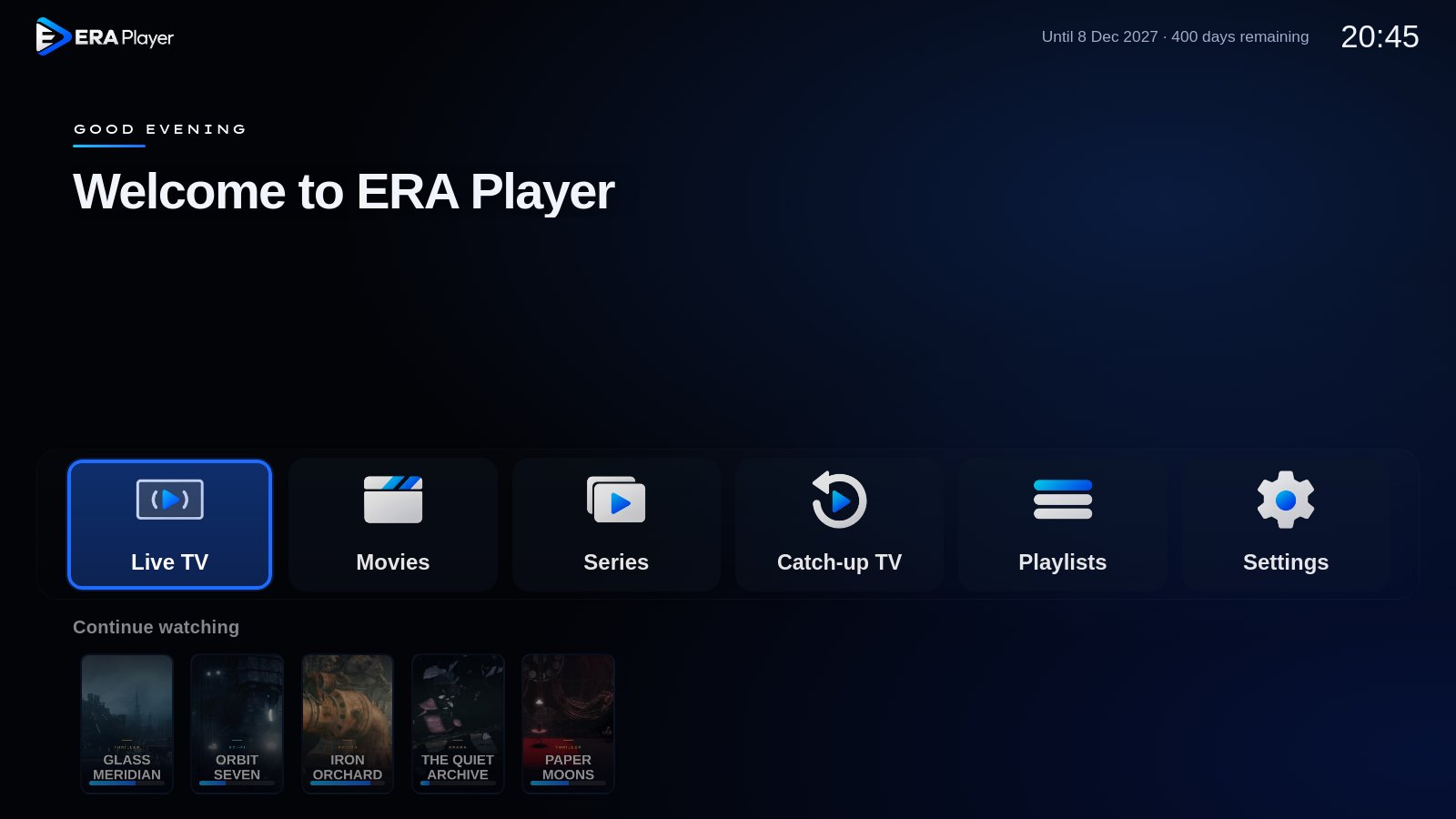
Modern or Classic
Two looks for the same app. Switch any time under Settings › Picture.
Five colours
Blue, purple, sea green, old rose or red for the selection and highlights.
Your background
Glow, gradient, an even colour or black, always in your colour.
11 languages
English, Dutch, German, French, Spanish, Italian, Serbian, Swedish, Albanian, Arabic (right to left) and Turkish. English (US) shows 12-hour times.
Easy and private
Add a playlist with your phone
Scan the QR code on the TV and enter your M3U link or Xtream Codes login on your phone. Nothing to type with the remote.
Several playlists
Save more than one playlist and switch in the app. One does not load? Press ↓ to go to the next.
Arrange on your phone
Sort, rename and hide categories on your phone: scan the QR code on the TV.
Parental lock
Put categories behind a PIN.
Connection test
One press shows whether your internet and your provider are fast enough for HD, Full HD or 4K.
No account needed
No e-mail or account. Your TV plays the playlist straight from your provider; we never see what you watch.
On your phone and tablet
Coming soon to Google Play, as a separate app for Android phones and tablets.
Made for touch
Large titles, a bar at the bottom and cards you tap, upright or sideways.
Mini player and picture in picture
A channel keeps playing in a slim bar while you browse, or in a small window outside the app.
Swipe to zap
Swipe sideways in full screen to change channel. The EPG scrolls across all channels at once.
The same playlist
You add your playlist in the same portal as for your TV.
ERA Player is a player. It contains no channels, films or series, and we do not sell subscriptions. Use it with your own, legal sources.
Try it free with your own playlist
Install ERA Player, open the app and add your playlist. You can be watching within minutes.