
Your playlist. Your IPTV player.
Live TV, movies and series together on Fire TV, Google TV and Android TV. Clear, calm and made for your remote.
A player only. No channels included. Bring your own playlist.
- 30-day free trial
- Pay once per device
- 11 languages
Works on:
The same ERA experience. On the screen you love to watch.

Fire TV
Amazon Appstore
Available
Google / Android TV
Install manually
Via Downloader
Samsung
Samsung Tizen
Under review
LG
LG webOS
Under reviewGoogle Play: not publicly available yet. Downloader installs the version named ERA IPTV Player.
Your IPTV playlist in 3 steps
Install the app
Choose your device and follow the installation guide.
Connect your TV
Open ERA Player. Scan the QR code or sign in with the device ID and key shown in the app.
Add your playlist
Add your own M3U link or Xtream Codes login. Your provider supplies the channels, movies and series.
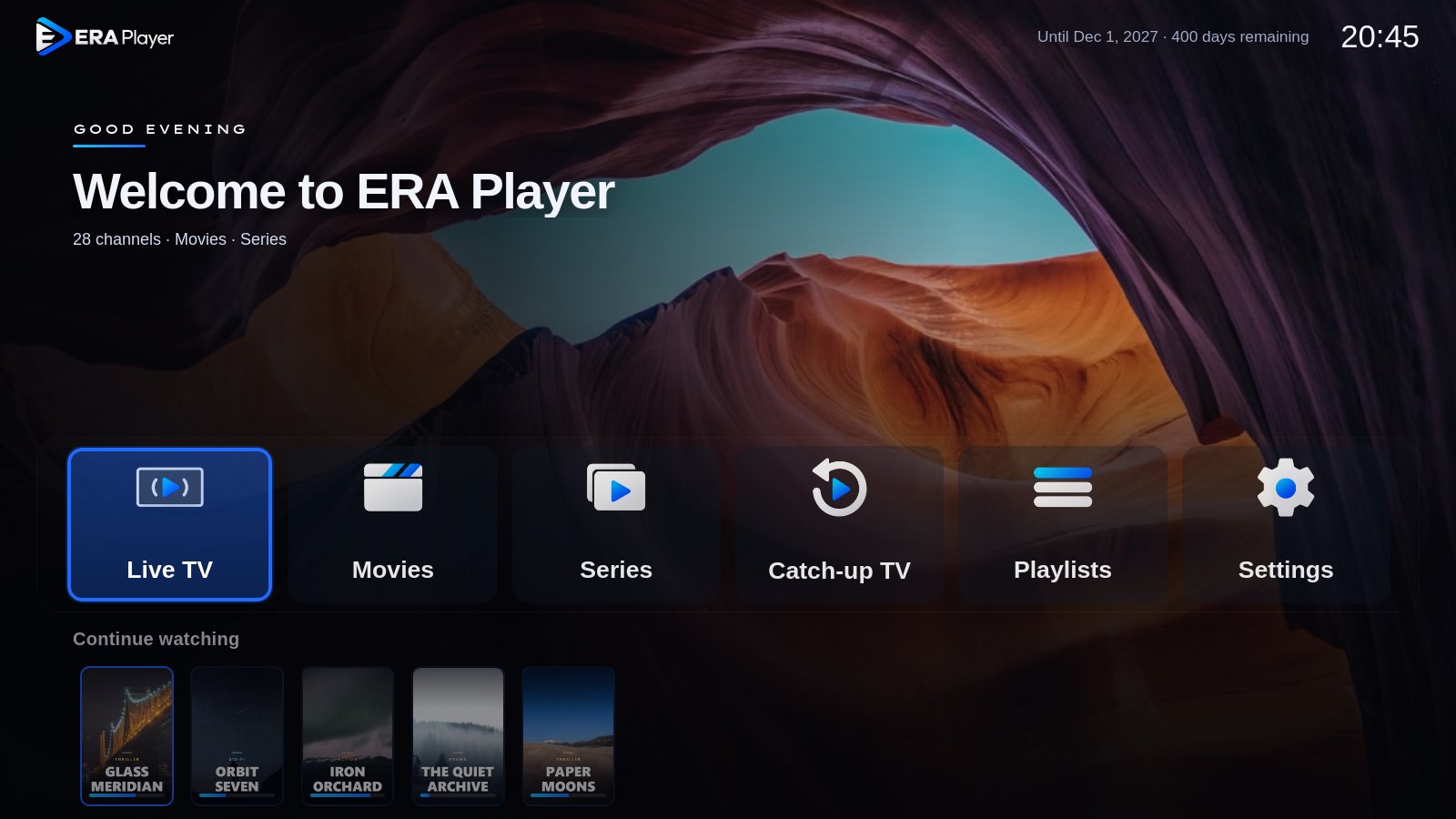
This is how it looks on your TV
Real screens from the app, with made-up example channels. In the app you choose between Modern and Classic.

Live TV with a preview
Browse your channels without losing the picture. Keep favourites at the top and press OK to watch full screen.
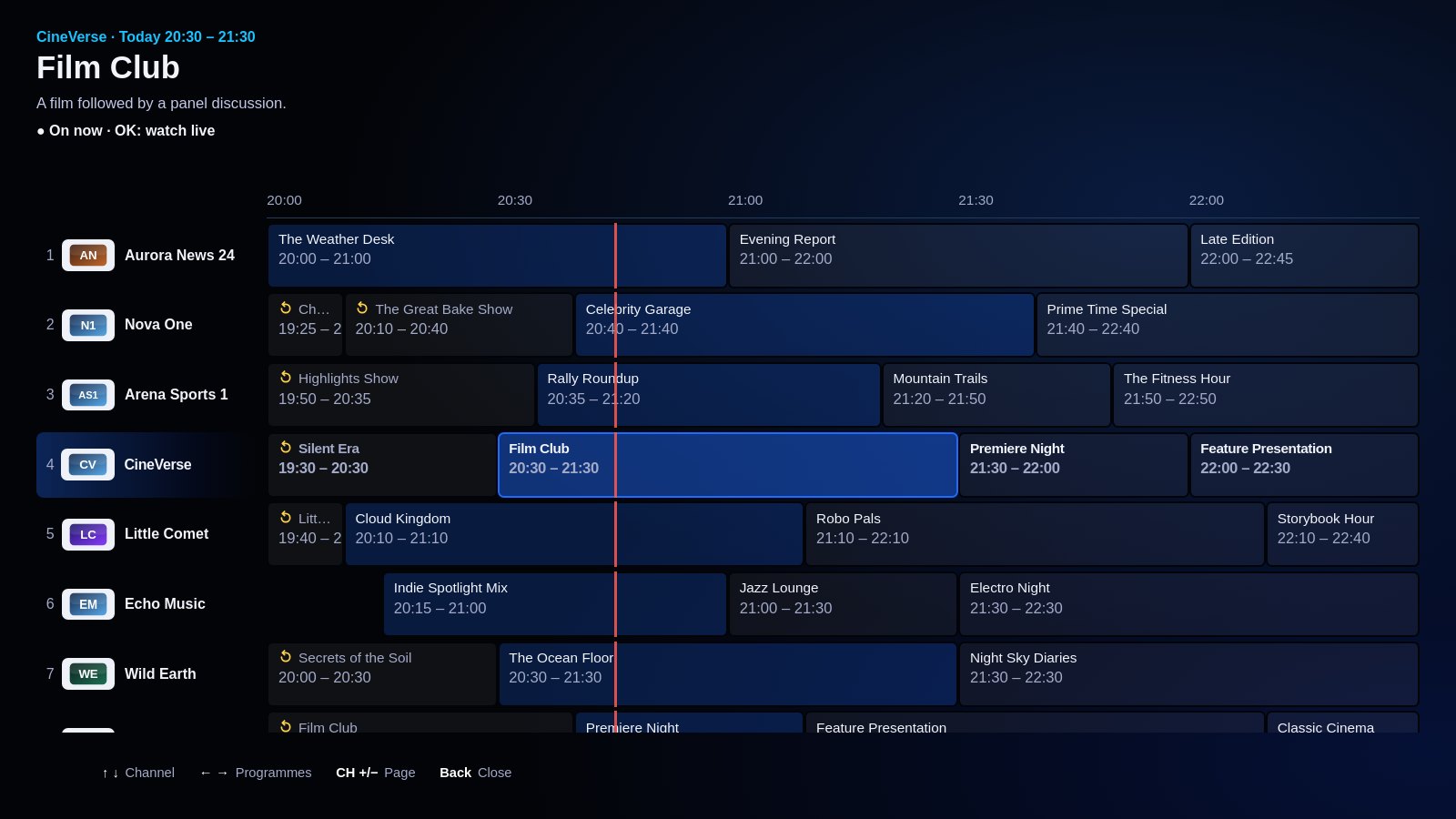
EPG and catch-up
See what is on now and next, or set a reminder. EPG data and catch-up depend on your provider.
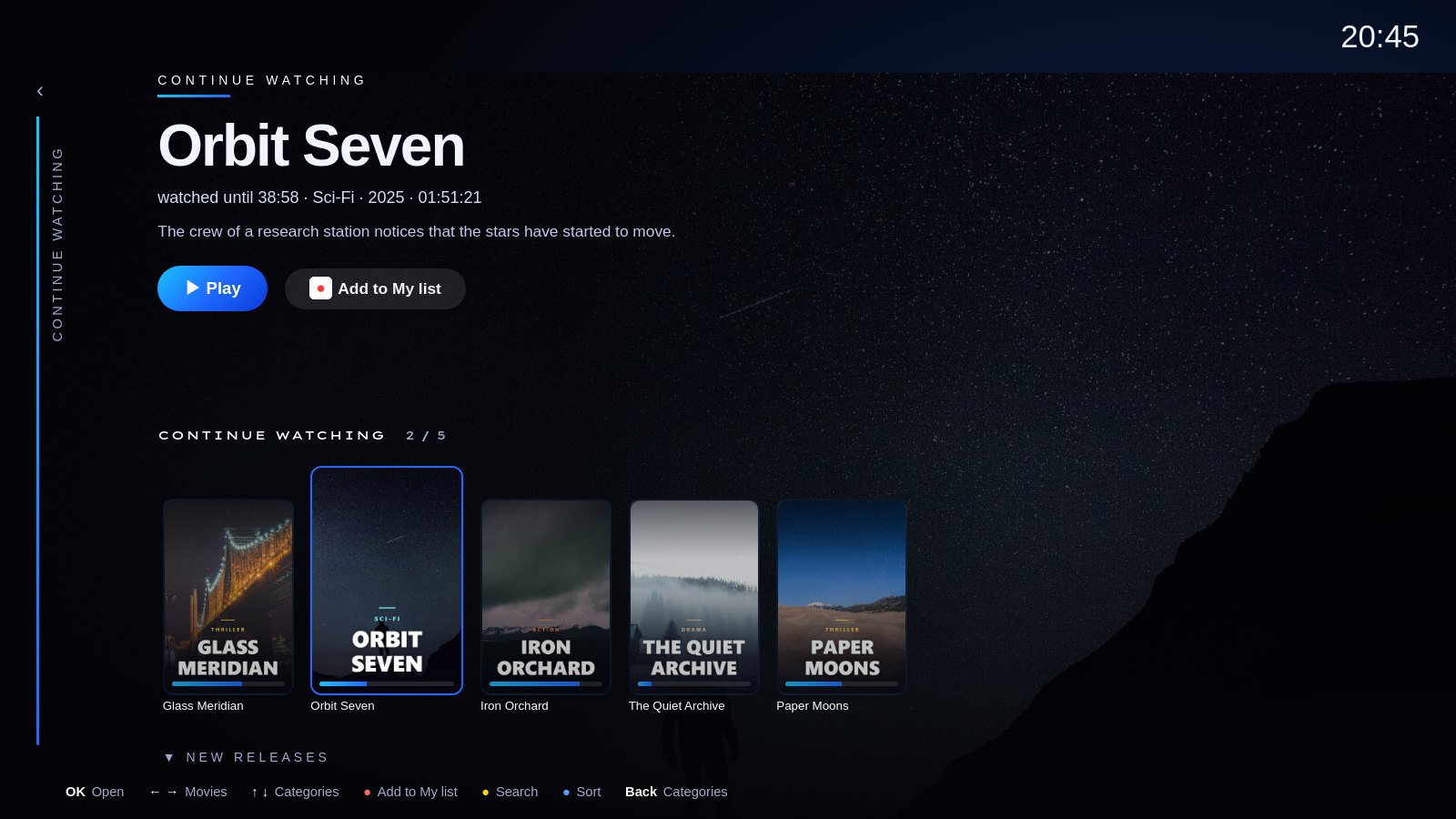
Movies and series, neatly arranged
Posters, descriptions and ratings together, series by season. Pick up where you left off; the next episode starts by itself.
Parental lock
Put categories behind a PIN.
Subtitles and audio
Choose the audio language and subtitles, also on live TV.
Sleep timer
The app stops by itself after the time you choose.
Several playlists
Switch between your playlists in the app.
Backup streams
Does a channel fail? The app switches to another quality of the same channel.
In your language
 EN
EN NL
NL DE
DE FR
FR ES
ES IT
IT SR
SR SV
SV SQ
SQ AR
AR TR
TR
One price. No subscription.
Try the player with your own playlist first. Payment is for ERA Player, not for channels or an IPTV subscription.
- 30-day free trial, no payment needed
- Pay once per device
- All updates included
- New device? Your licence moves with you
Install with a code
Fire TV or Google TV? Type one code in the free Downloader app to install the latest version.
Google Play: not publicly available yet. Downloader installs the version named ERA IPTV Player.
Good to know
ERA Player is a player. It contains no channels, films or series, and we do not sell subscriptions. Use it with your own, legal sources.
Does it include channels or content?
No. ERA Player is only the player. You add your own playlist, and the device plays it directly from your source.
How do I add my playlist?
Open the app: it shows a QR code, a device ID and a key. Scan the code with your phone or sign in on this site, and add your M3U or Xtream Codes details. Within seconds it is in the app.
What if I buy a new device?
Use the new device ID and key in the portal to transfer your licence and playlists. The old device loses the licence; transfers are limited to once every 30 days.
What happens after the free period?
To keep using the app, you pay once. Your playlist stays in the portal, so you do not have to enter anything again.
Do the EPG and catch-up always work?
They depend on your playlist and provider support. Picture quality and supported formats also depend on your device and source.
Try it free with your own playlist
Install ERA Player, open the app and add your playlist. You can be watching within minutes.